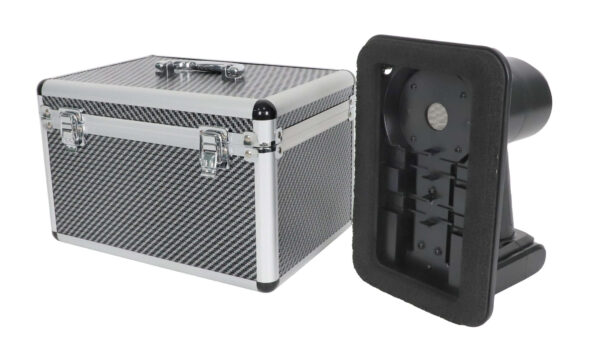
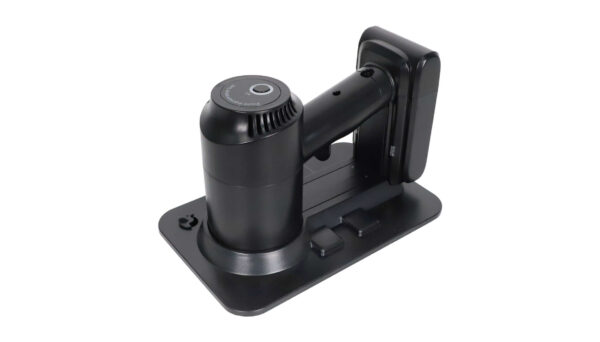
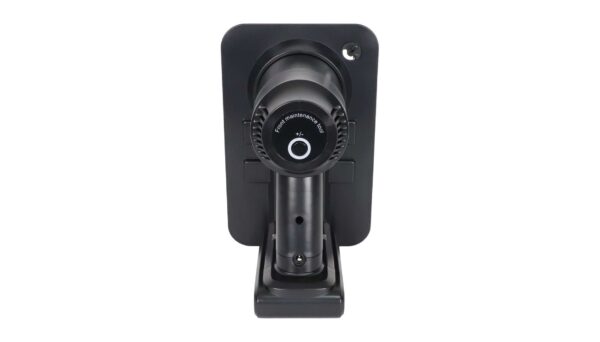
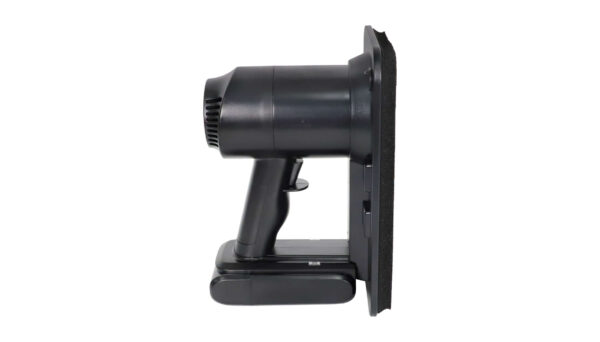
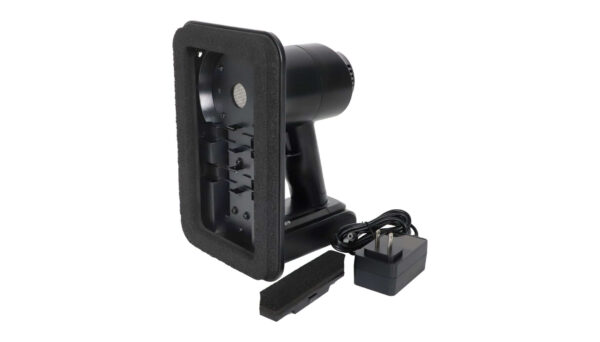
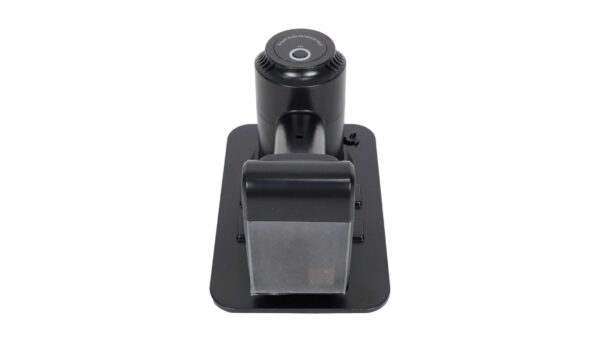
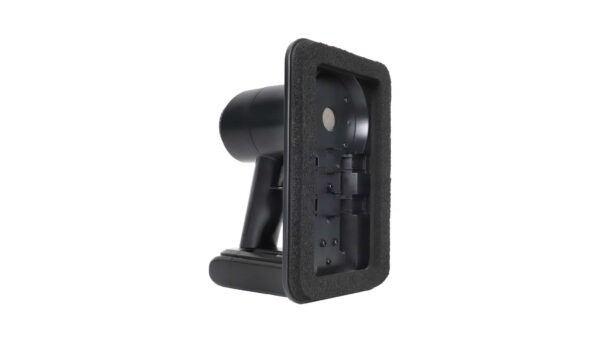
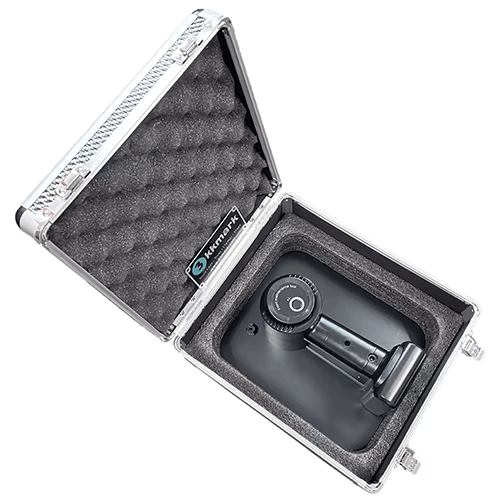
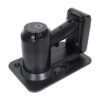
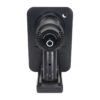
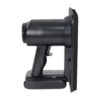
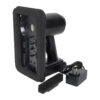
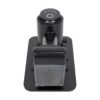
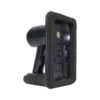
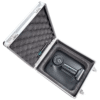
LED Screen Vacuum Front Maintenance Tool LED Module Picker
Use operating instructions:
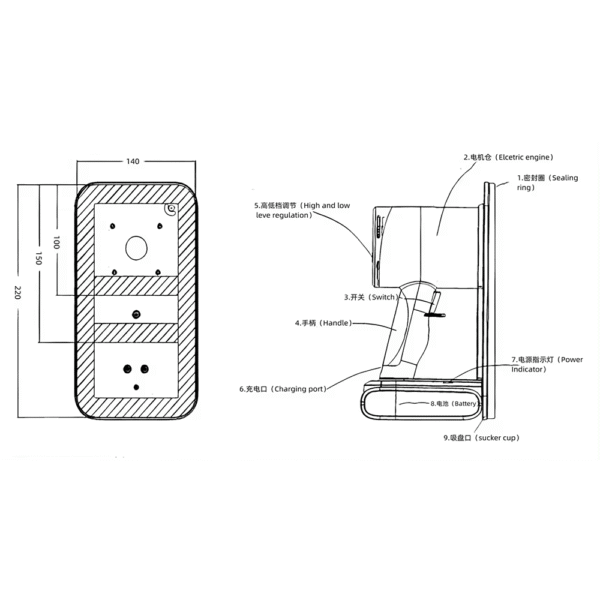
Hold the tool handle, align the suction at the center of the module, and press the switch button (the first time it is turned on, the second time it is off). Round Press to adjust the gear (the gear button has a memory function). Gently pull the module out steadily, hold the module firmly with the other hand, and lightly press the switch button to turn it off.
Remarks: If you do not use it for a long time, please charge it regularly to keep the battery fully charged.
Features of HX03Pro LED Display Vacuum Front Maintenance Tool:
1. Small size. Lightweight. easy to carry
2. Excellent ergonomic design for easier use
3. Vacuum valve design for more models
4. Unique air duct design for better heat dissipation and longer motor life
5. Unique limit design prevents PCB warp and light falling off
6. Unique anti-static design to protect module security
7. Supports use while charging. Solve the temporary no-power
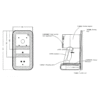
Parameters of HX03Pro LED Display Vacuum Front Maintenance Tool:
Charger charging voltage:100-240V
Charger output voltage:25.2V1A
Continuous discharge duration:20MIN
Power: 350W



Reviews
There are no reviews yet.